UPDATE:
aight, I've figured out that the best way to go about is to customize the prompt for each jersey individually as that will give you the best results.
INSTRUCTIONS:
First paste this prompt in gemini(or any other AI chat) and along with it upload only the images of the front and back of any jersey you are trying to make:
"
do not genereate images, output text
prompt for a different jersey:
"
identify the thin light blue vertical stripes in the top of the template, they have a short sleeve "ending" label on them, change the color from light blue to the cuff color of the attached jersey, the color of the sleeve cuffs that is dark navy. note that you should not move this vertical strip or resize it in any way.
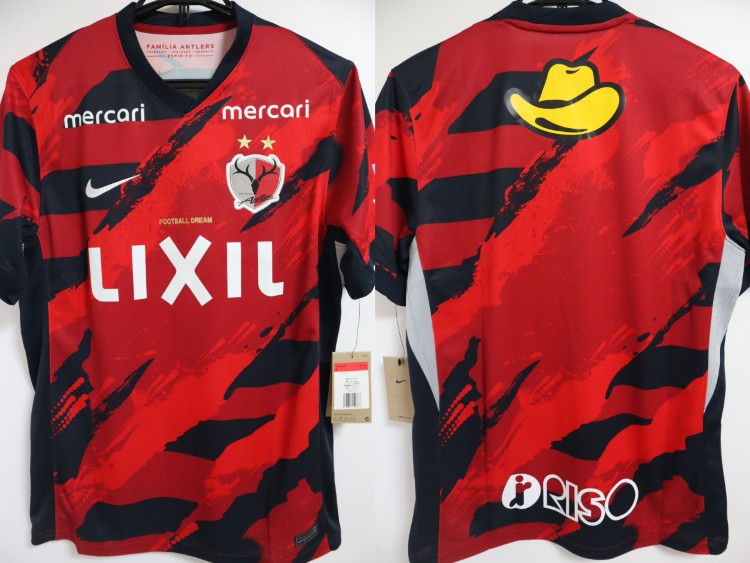
the remaining areas of the 'LEFT SHORTSLEEVE' and 'RIGHT SHORTSLEEVE' pink sections are filled with the red and dark navy diagonal brushstroke pattern from image_1.png only, excluding any logos or text. The entire white section labeled 'FRONT PART' and 'BOTTOM PART' is now filled with the complete front torso design of the jersey from image_1.png,including the red background, the dark navy diagonal brushstroke pattern, the white 'LIXIL' sponsor logo, the white Nike logo, the white 'mercari' logos, the 'FOOTBALL DREAM' text, the club crest with stars, and side panels.(if they exist)
The entire cyan section(in the upper centre) labeled 'BACK PART' 'TOP PART' and 'BOTTOM PART' is now filled with the complete back torso design of the jersey from image_2.png, including the red background, the dark navy diagonal brushstroke pattern, the yellow 'Yellow Hat' logo and the white 'RISO' logo. Make sure its completely filled and no cyan appears in the final result.
collar: inside the yellow circle place the collar shape with its color, ensure it is small and fits inside the circle fully
fill the empty areas of the background with the red jersey pattern but without dark navy brushstrokes.
CHECKS:
remove all template colors and text
delete any seams(small tiny gaps that appear between sections, the texture should be seamless
the dark navy blue vertical bar in the top lines up with the light blue bar in the template perfectly
texture is 2048x2048
i need this exact prompt but for the attached jersey, do not change the file names in the prompt"
Now, whatever chat you are using will output a prompt customized for your shirt. Note down the cuff color that AI identified and wrote down at the start of the prompt: "
identify the thin light blue vertical stripes in the top of the template, they have a short sleeve "ending" label on them, change the color from light blue to the cuff color of the attached jersey, the color of the sleeve cuffs that is dark navy. note that you should not move this vertical strip or resize it in any way."
in this case it's "dark navy", go to the bottom of the generated prompt and change this part "
the dark navy blue vertical bar in the top lines up with the light blue bar in the template perfectly
texture is 2048x2048" to "
the [noted color] vertical bar in the top lines up with the light blue bar in the template perfectly
texture is 2048x2048", so essentially just change dark navy blue to the color you identified, for example if the cuff color is white, you change dark navy blue to white. That is the only thing you have to change in the generated prompt.
Now, paste this prompt into NANO BANANA PRO.
First, upload this template below:
Credit and big thanks to
@Eyzord for this template, I redacted the template he sent here a little bit to suit the prompt a little more.
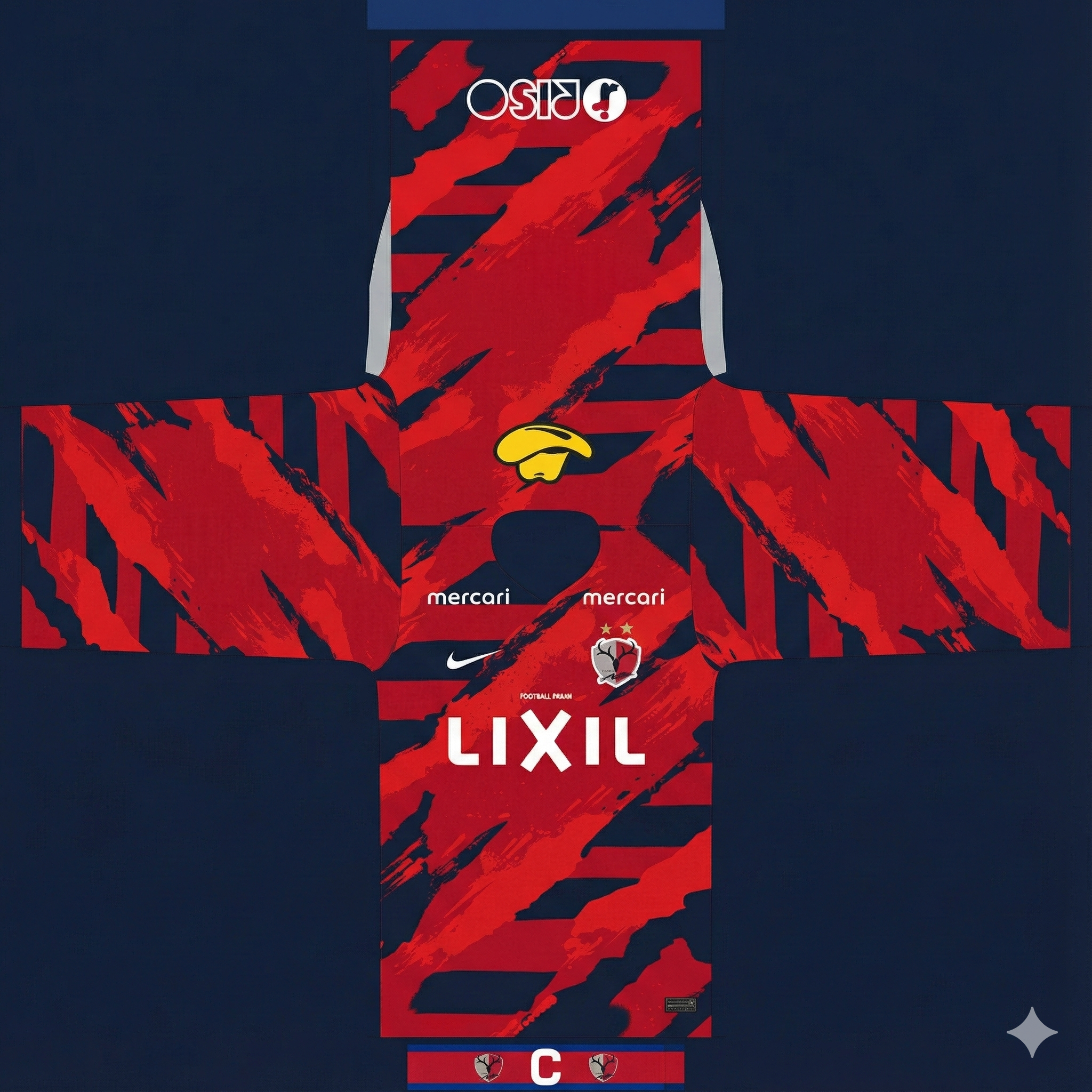
Then, upload the front and back of the jersey. And now it will generate a correct uv texture.
Notes:
1) this does NOT contain sleeve logos of any kind
2) collar is still broken
3) the short sleeve cuffs issue has been essentially fixed completely
4) you will also be able to use the turtleneck and undersleeves too since the texture will be filled with the main front jersey color.
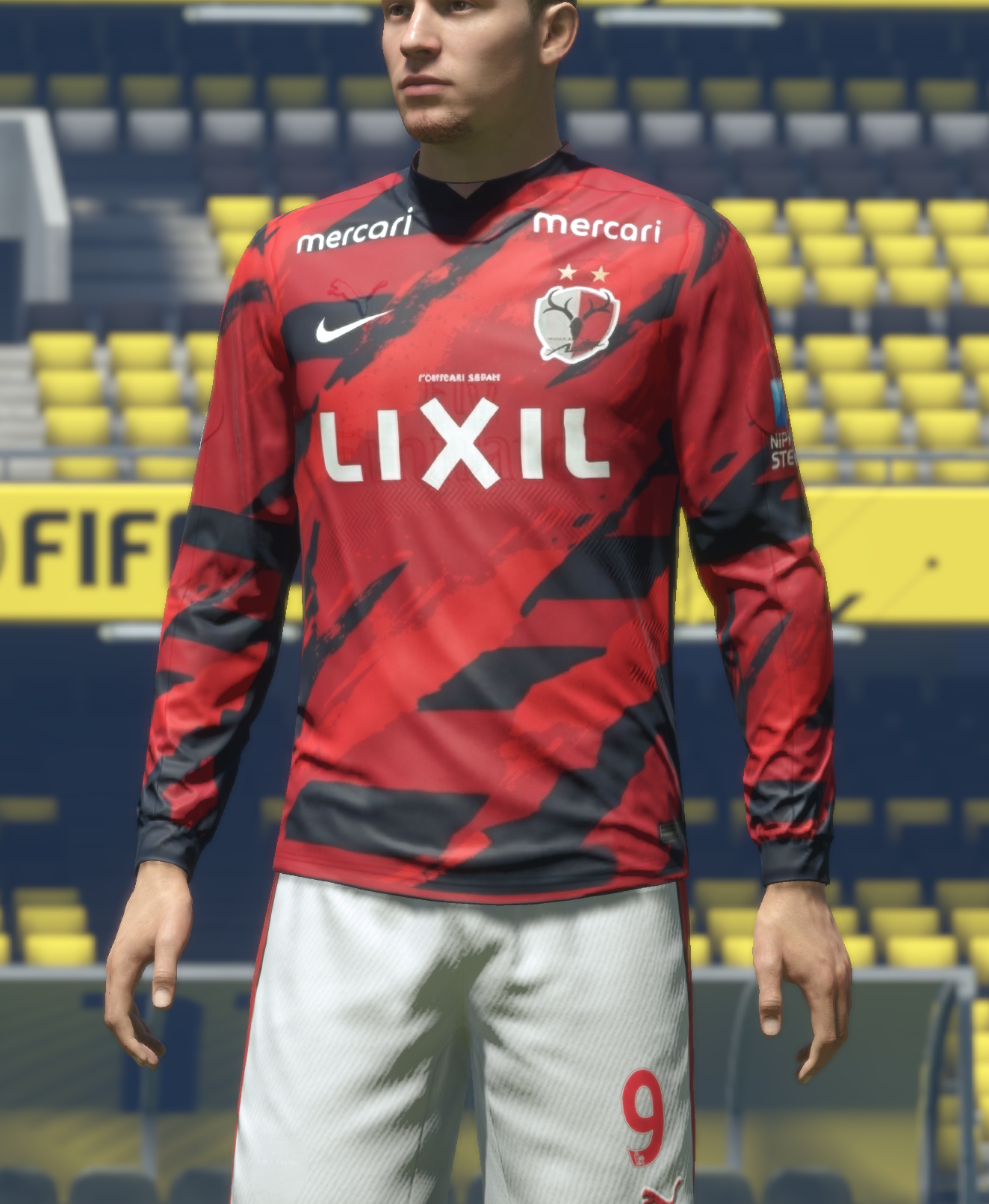
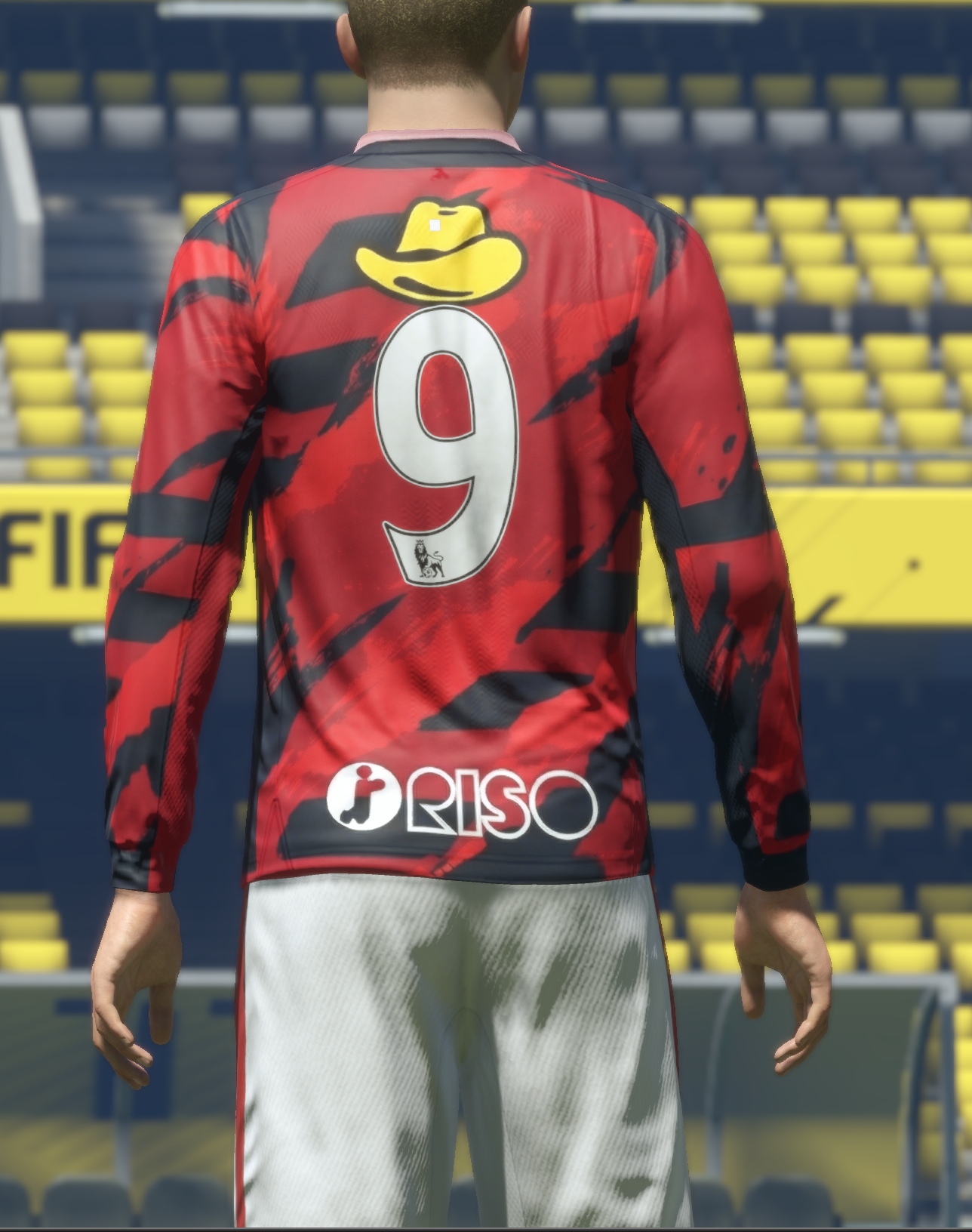
Some examples:
Vs real life kits:
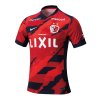
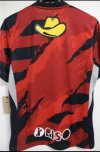
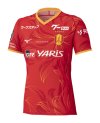
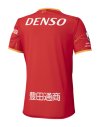
What is probably the aim right now is to fix the collar generation.
After that the sleeve logos need to be added manually using photoshop or any other tool, should be easy enough to do this and only take a few minutes. Any feedback at all is welcome. Thank you!
Also if u want to see the full thread with all previous update go to soccer gaming, i post there more often:
https://soccergaming.com/forums/thr...e-complex-patterns-using-nano-banana.6475515/