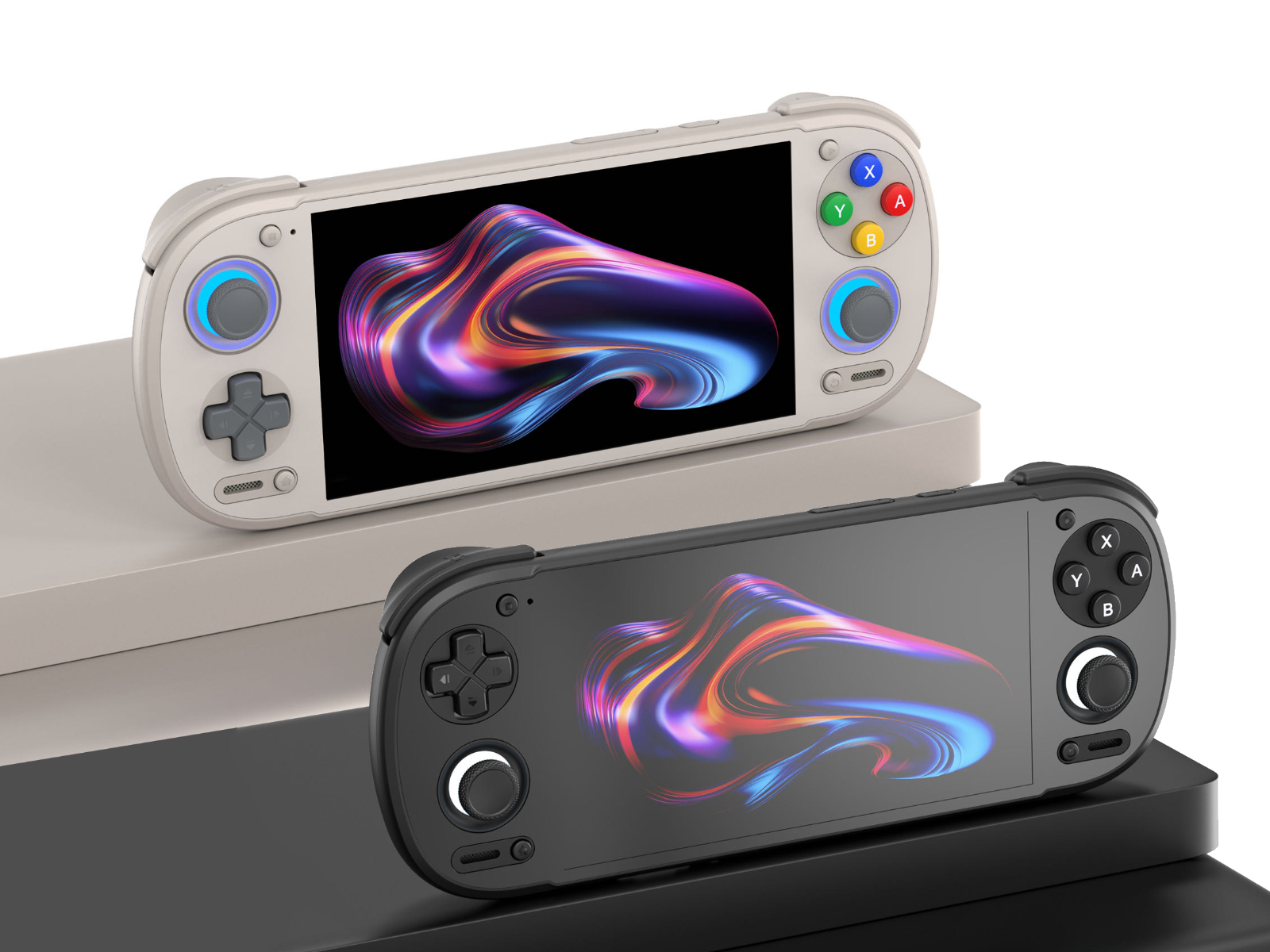
I made short instruction how to prepare/install/run PES 2013 on Android devices via GameHub Lite, maybe it helps someone some day.
Installation instructions for PES 2013 (PC) with PESedit v.3.8 on GameHub Lite 5.1.3 (Android)
I assume that you already have PES 2013 and the PESedit 3.8 patch installed on your computer.
1. First, you need to copy the entire main folder of the game to your Android device or SD card (the one that contains files like pes2013.exe, settings.exe, and the img folder).
Let’s assume the game is installed on your PC at:
C:\Program Files\PES2013
Copy the whole folder to the SD card, for example to:
\windows_games\PES2013
Additionally, you must copy the folder that stores the so-called Option File, saves, etc. This folder is located at:
C:\Users\<your user name>\Documents\KONAMI
Copy the entire folder to your SD card as well, for example to:
/windows_games/KONAMI
2. On your Android device, in GameHub Lite, create a new container for the game using “Import PC games”.
In the top bar, select your SD card and locate the .exe file — in this example it would be at:
/windows_games/PES2013/pes2013.exe
After this process, a PES 2013 game icon will appear in GameHub Lite, but the game will not run yet.
3. In the next step, we will add a registry entry to the emulated Windows environment in order to “trick” it into thinking that the game has been properly installed.
First, we need to prepare a registry file for PES 2013 on the PC. This website will be helpful:
https://www.regfiles.net/registry/pro-evolution-soccer-2013-registry
It will generate the registry file for us. We need to provide the game’s CD-key and the installation path of the game inside the GameHub Lite container.
Important:
You must first check, inside the container desktop of the game (enter it in GameHub Lite via “Enter Container Desktop”) using the file browser, which drive letter your virtual disk has.
In my case, the SD card is always drive F:\, so the PES 2013 path would be:
F:\windows_games\PES2013\pes2013.exe
You can also specify the game version — I’m not sure if it really matters, but the last official version is 1.04.
After entering the data on the website, download the generated .reg file and copy it to your SD card, for example as:
/windows_games/pes13.reg
Next, on your Android device, enter the container desktop of the game in GameHub.
On the bottom bar of the desktop, click “Apps”, then “Registry Editor”, and use “Import Registry File…” to select your .reg file from the SD card
.
At this point, the game should start launching* but… squads will not be correct.
* assuming your device is powerful enough and GameHub Lite is configured correctly - here you can find community reports on what settings works on different devices, you can share there your own as well : https://www.emuready.com/listings?search=Pro+Evolution+Soccer+2013 )
To fully use patches with correct squads, you also need to copy the Option Files (KONAMI folder) to the proper Documents folder inside the container— and unfortunately, this is not that easy.
As far as I know, it is not possible to simply copy files in the container desktop file explorer like in Windows (at least it doesn’t work for me). If someone knows how to do this, please share.
Additionally, internal container folders are not easily accessible from the device using standard apps or even when connecting it to a PC. The next steps explain how to do this.
4. Download the “Files” app by “Marc apps & software” from the Google Play Store:
https://play.google.com/store/apps/details?id=com.marc.files
5. In GameHub Lite, check the local ID of your game — we will need it to find the Documents folder for the PES 2013 container.
Hover over the game icon, enter “View Details”, and at the top you will see a long string like:
local_95e56a776...
(The ID will be different for you.)
Remember it — not the entire string, just the first few characters (in my case: 95e56).
6. Open the previously downloaded Files app.
Find your KONAMI folder containing the PES 2013 Option File on SD card (in this example: /windows_games/KONAMI).
Select it, tap the three-dots icon (top right), choose “Copy to…”, then in the top-left dropdown menu scroll down and select GameHub Lite icon.
You will now see more folders. Navigate to:
data/files/usr/home/virtual_containers/<your local game ID from step 5.>/drive_c/users/steamuser/Documents
Paste the entire KONAMI folder there.
After this process, the patch should work fully — kits and squads should be correct.
7. (Optional)
I’m not sure if this is strictly necessary, but it may be better to install the mono component in the container settings in GameHub Lite.
Go to “PC Game Settings” → “Component” → “Install Component” and select “mono” from the list.
I mention this because, as far as I know, the patch uses .NET, and mono is the component that emulates it.
This is probably required if you want to run PESEDIT.exe to customize the patch — for example, changing leagues (e.g. Bundesliga to the Argentine league, or 2. Bundesliga to the Spanish or English second division).
I did not test the customization options, so I can’t help much here. It’s possible that besides using PESEDIT.exe, you also need to replace the Option File — you would need to read the patch instructions.
I personally play with the default patch and didn’t experiment further.
BTW:
I also managed to run RealPatch26 for PES 2013 (season 25/26) in GameHub Lite. You can create a separate container for it and use a similar method as above.
On my low-end device (Mangmi Air X, Snapdragon 662), it runs slower than PESedit, so I gave up on it. It probably uses higher-quality textures.
Other options:
The installation process of PES2013 and PESedit v.3.8 is doable directly on Android devices inside the GameHub container. I passed through this process a few times both on internal and SD card and the time is not so dramatic - 30-45 min ?
Just install the vanilla game inside the container desktop, and then PESedit patch via exe installator on your device. Installation process on internal storage is always much faster than on SD card, but it is harder to pinpoint exe for shortcuts in Gamehub Lite (it's doable but you need to do something like this :
https://discord.com/channels/1439701320490553357/1441751269575364628).
Basically I recommend installing games on SD card, the installation process is slower but you can easily choose exe for shortcuts.
But… PESEdit 3.8 is a relatively small patch (1-2 GB ?) developed in the time when the game was released (~2012-2013). Newer/recent patches usually are much bigger because of better textures etc. so installation of such patches directly on android could be really tough.